Private AI that works offline.
Quo is an AI assistant that runs on your own computer or phone. No account, no internet needed, and nothing you type ever leaves your device.
- Free
- No sign-up
- Open source
- 11,000+ installs on Android
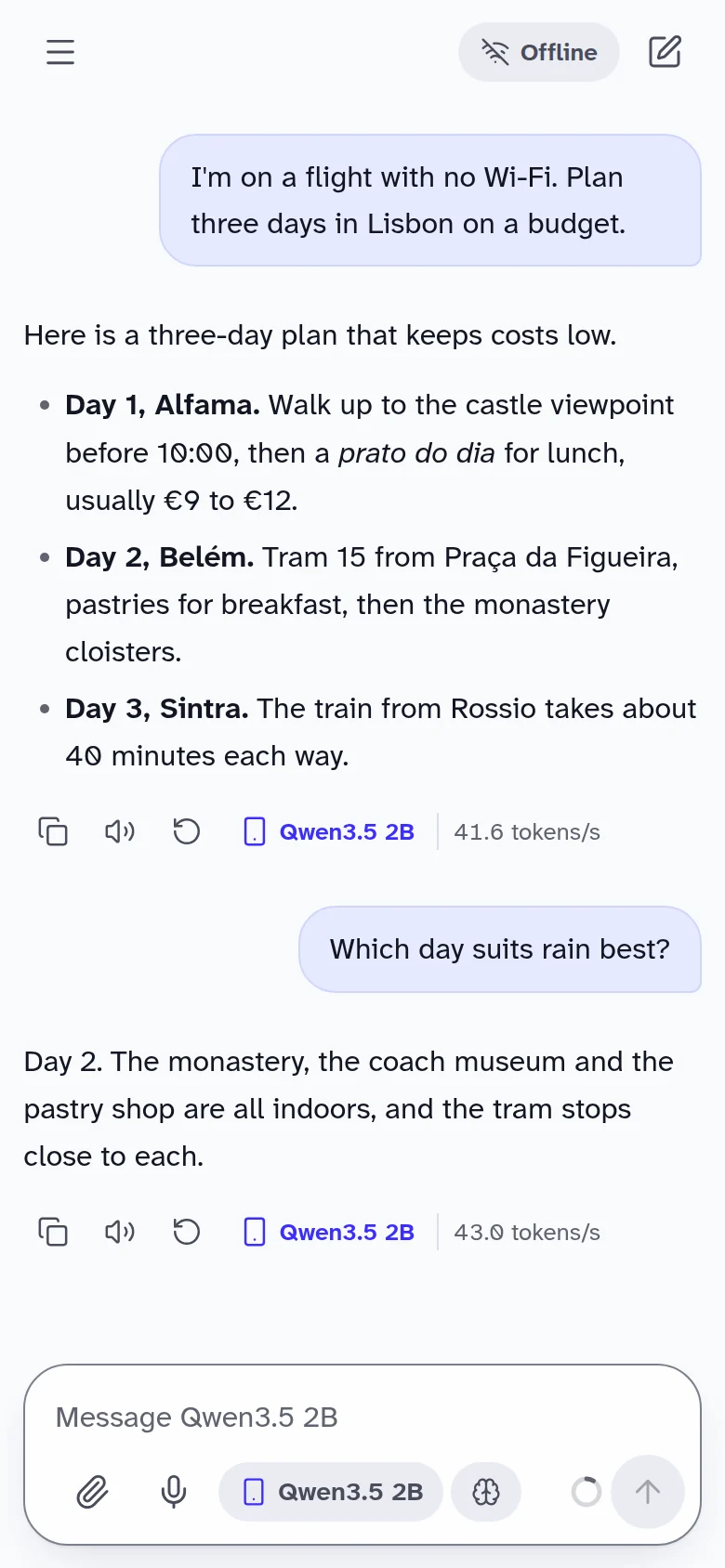
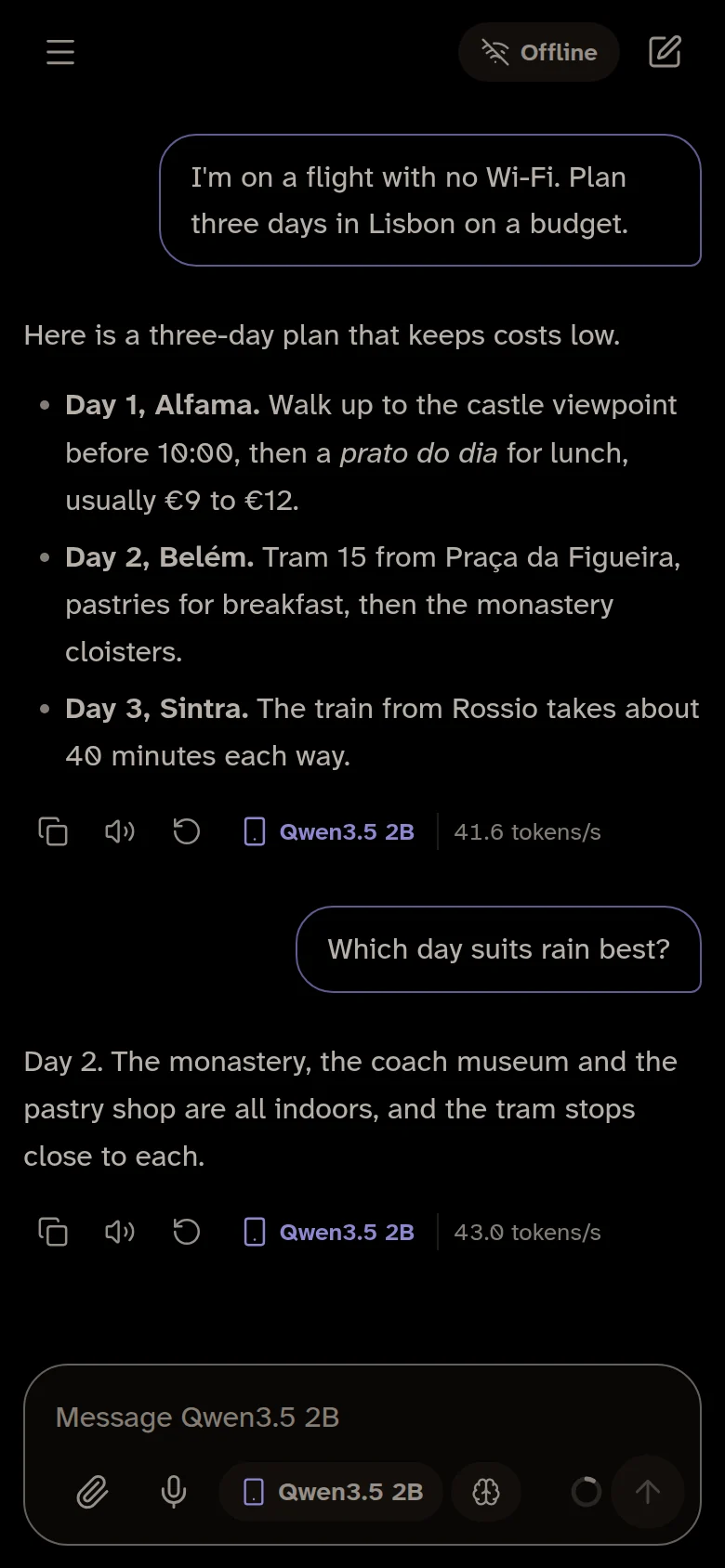
Runs leading open models, on your device
- Qwen
- Gemma
- Llama
- Ministral
- Phi
- llama.cpp inside
Everything you need, on your device.
A complete AI assistant that runs locally, so it works anywhere and your conversations stay yours.
Works offline.
Answers come from the AI on your device, so Quo keeps working on planes, abroad and anywhere without signal.
Private by design.
Conversations, files and memories stay on your device. No account, and no copy of your chats on anyone’s server.
Thinks it through.
Turn on thinking for harder questions, and Quo reasons step by step before it answers. You can read along.
Reads your documents.
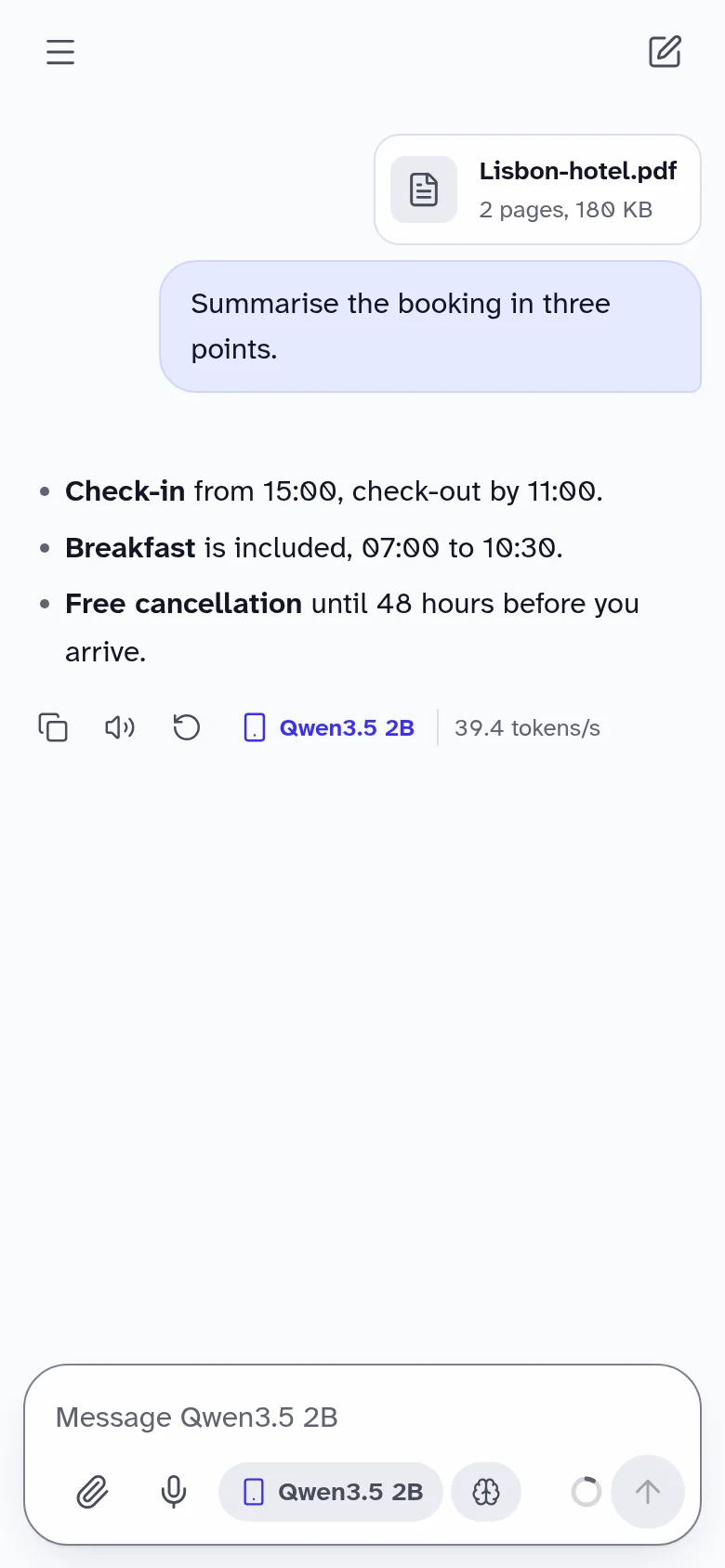
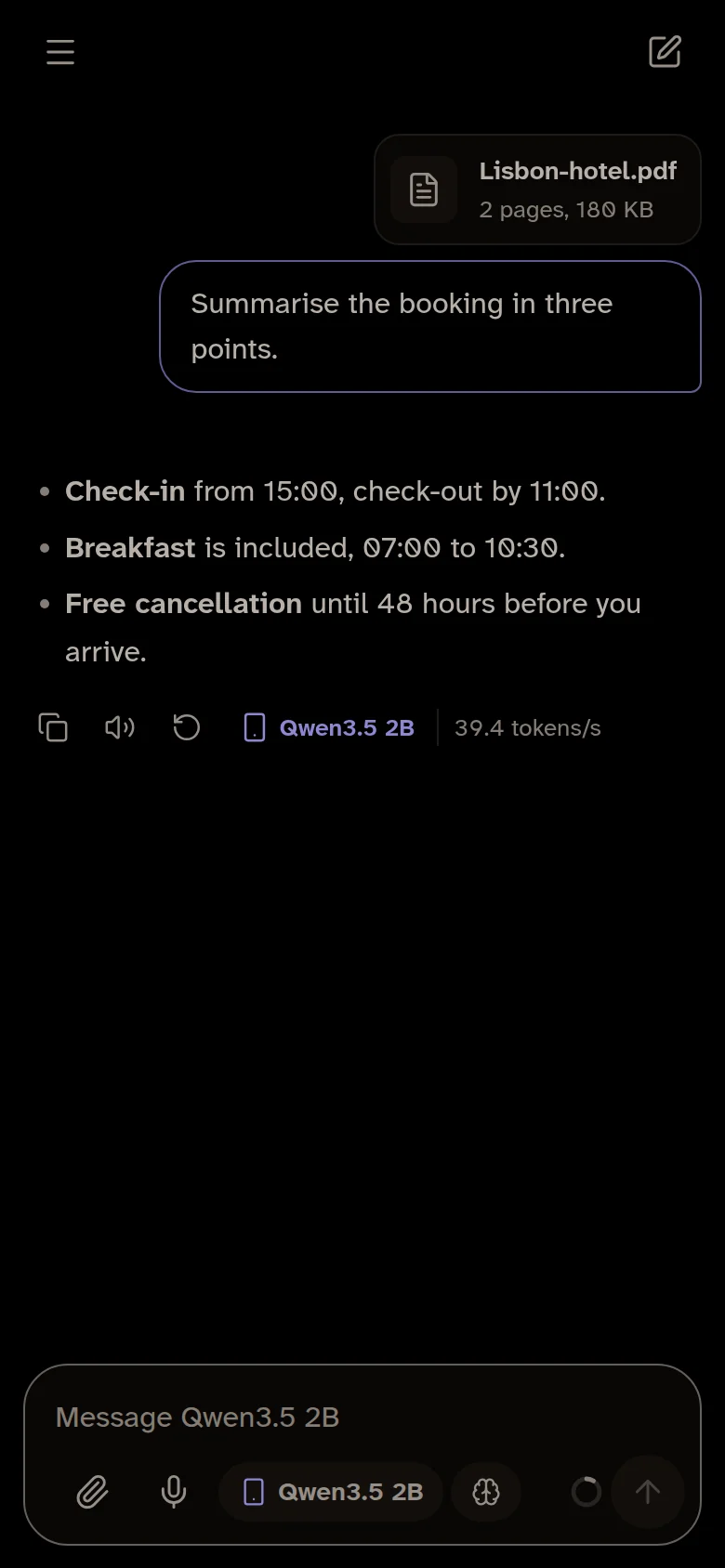
Summarise and question PDFs and text files without uploading them anywhere.
Sees what you see.
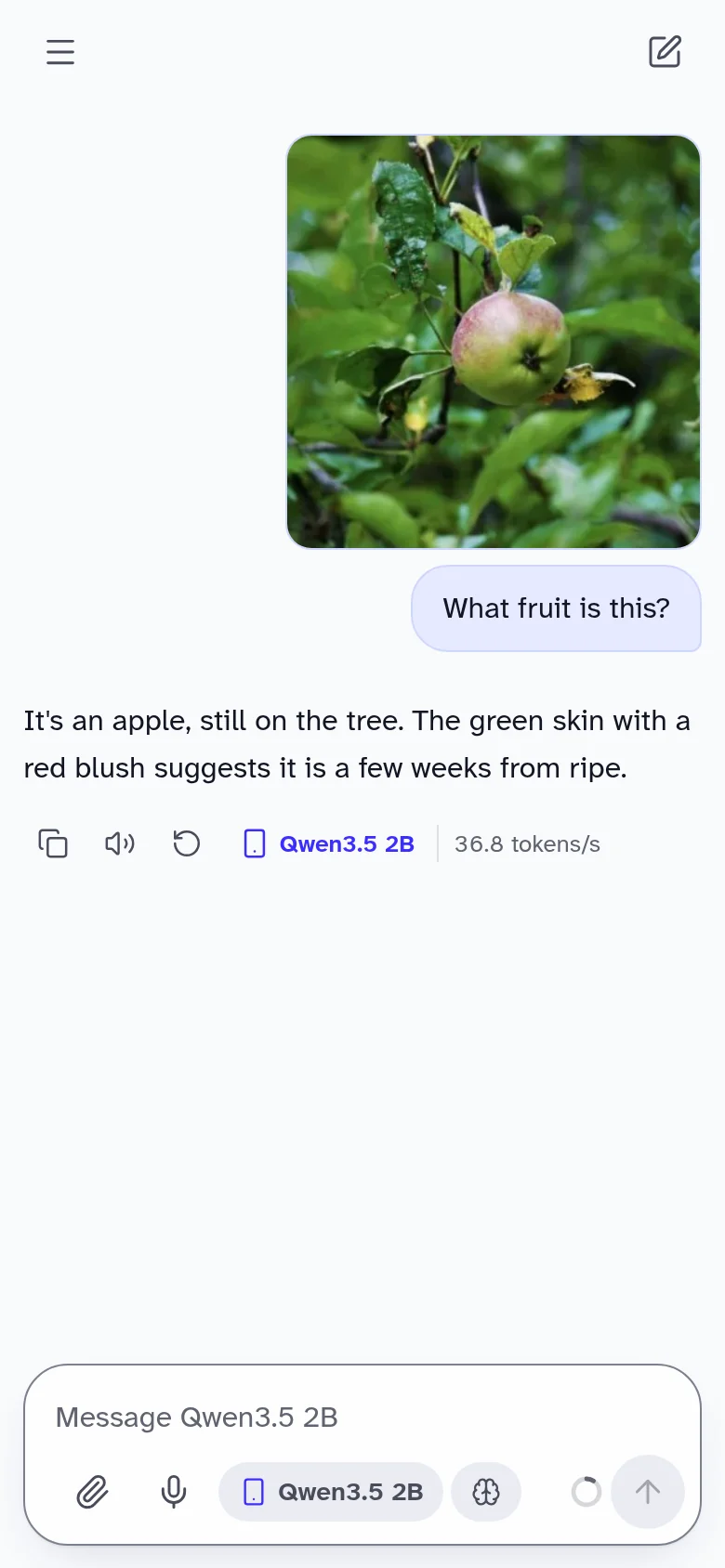
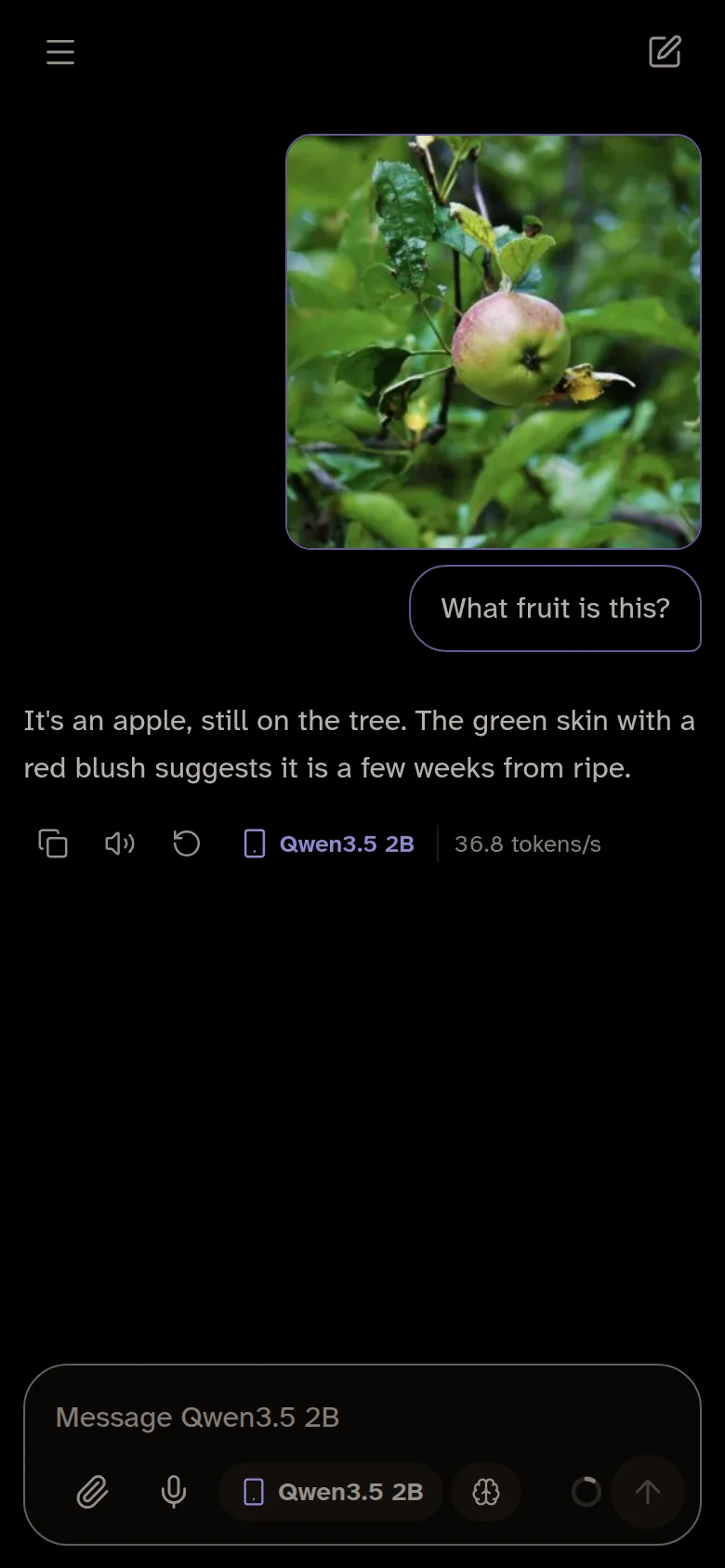
Show Quo a photo and ask about it. The image never leaves your device. Desktop and phone
Listens, too.
Speak instead of typing, and have replies read aloud. Your voice is turned into text on your device.
Turn off your Wi-Fi. Quo keeps going.
The AI lives on your device, so there’s no server to send your words to. Try it: switch off your connection and ask Quo anything.
- 0
- messages sent to a server
- 0
- accounts or sign-ups
- 100%
- open source, so you can check
Check it yourself: in Quo Web, open your browser’s developer tools (F12) and go to Network. Ask Quo anything: your message never shows up there.
Up and running in a minute.
Open Quo
In Chrome or Edge, or as the desktop or phone app. No sign-up.
Download a model once
Quo picks one that suits your device, about 530 MB to start. Downloads resume if you go offline.
Chat, even offline
From then on, everything runs on your device. Turn off Wi-Fi and try it.
Models that fit your device.
Quo runs open models, downloaded once and kept on your device. It checks your phone or computer and suggests one that runs well. Bigger models are smarter but need more memory.
| Model | Download | Runs well on | Where | Licence |
|---|---|---|---|---|
| Qwen3.5 0.8BFast starter | 0.5 GB | Almost any phone or computer | Phone, browser | Apache 2.0 |
| Qwen3.5 2BSmarter, still quick | 1.3 GB | 6 GB phones, 8 GB computers | Phone, browser | Apache 2.0 |
| Llama 3.2 3BWriting and summaries | 2.0 GB | 8 GB phones and computers | Everywhere | Llama 3.2 Community |
| Ministral 3BSees photos | 2.1 GB | 8 GB phones | Phone | Apache 2.0 |
| Qwen3.5 4BSees photos, thinks | 2.7 GB | 8 GB phones and computers | Phone, desktop | Apache 2.0 |
| Gemma 4 E2BSees photos, many languages | 2.6 to 3.1 GB | 8 GB phones and computers | Everywhere | Gemma terms |
| Phi-4 MiniReasoning | 2.5 GB | 8 GB phones and computers | Phone, desktop | MIT |
| Qwen3.5 9BMuch smarter, codes | 5.9 GB | 16 GB computers, or an 8 GB graphics card | Desktop | Apache 2.0 |
| Gemma 4 12BMany languages, sees photos | 6.9 GB | 16 GB computers, or an 8 GB graphics card | Desktop | Gemma terms |
| Gemma 4 26B A4BQuick for its size | 15.4 GB | 24 GB computers | Desktop | Gemma terms |
| Qwen3.8 27BThe most capable | 17.4 GB | 32 GB computers | Desktop | Apache 2.0 |
The phone apps also offer Gemma 3, SmolLM3 and others. Speed depends on your device: on older phones, smaller models reply faster.
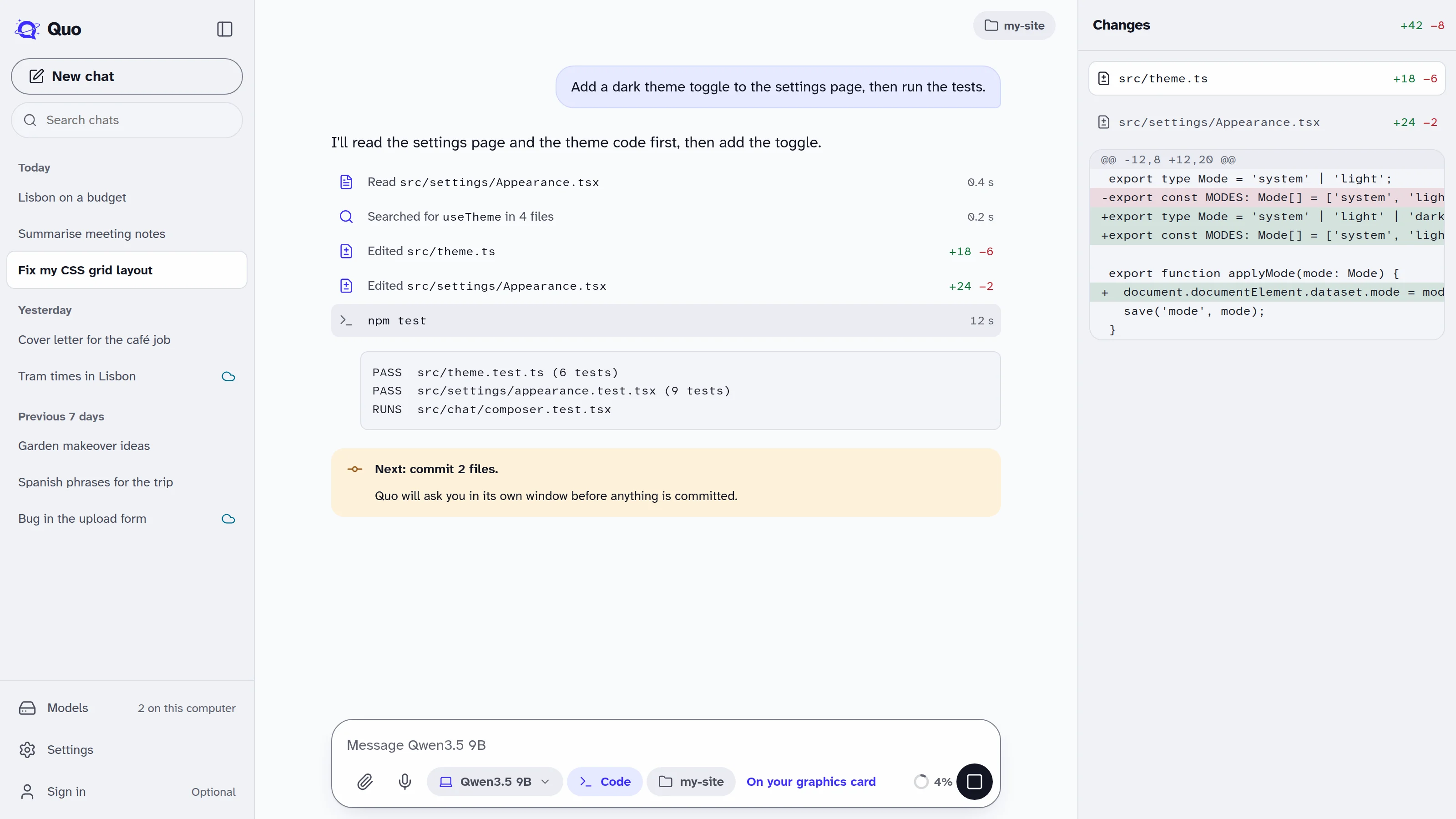
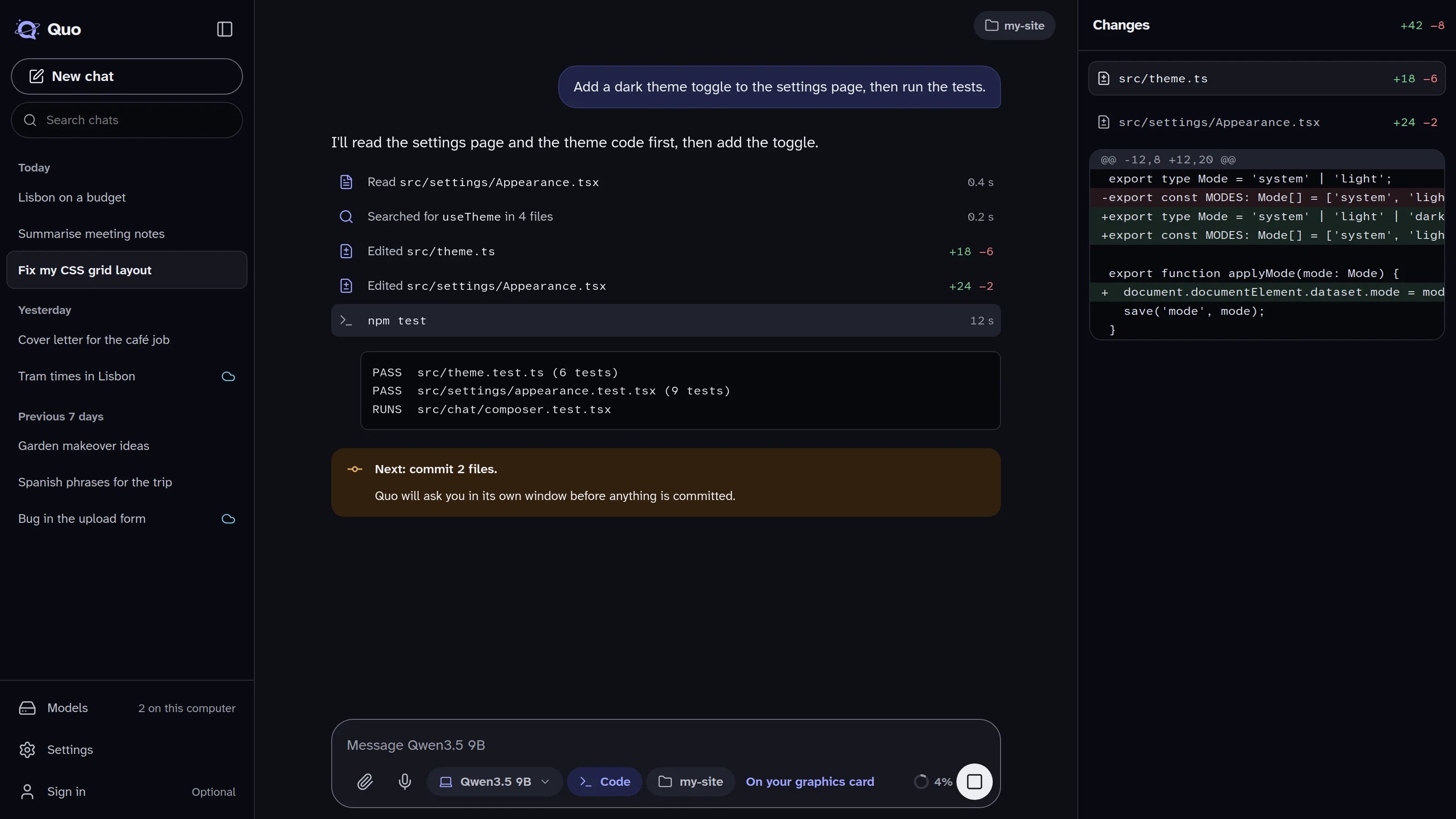
Quo for desktop.
For Mac, Windows and Linux. Models run on your graphics card, so replies are much faster than in a browser and bigger models fit.
Code mode lets a model work in your project folder: it reads the code, makes changes, runs tests, commits and pushes. You approve every step.
- Apple silicon and Intel Macs
- Windows 10 and 11
- Linux AppImage and .deb
On your phone, too.
Installed more than 11,000 times on Android. It comes with a model built in, so it’s ready the moment it installs, and handles documents, photos and voice on your phone. iPhone is coming soon.
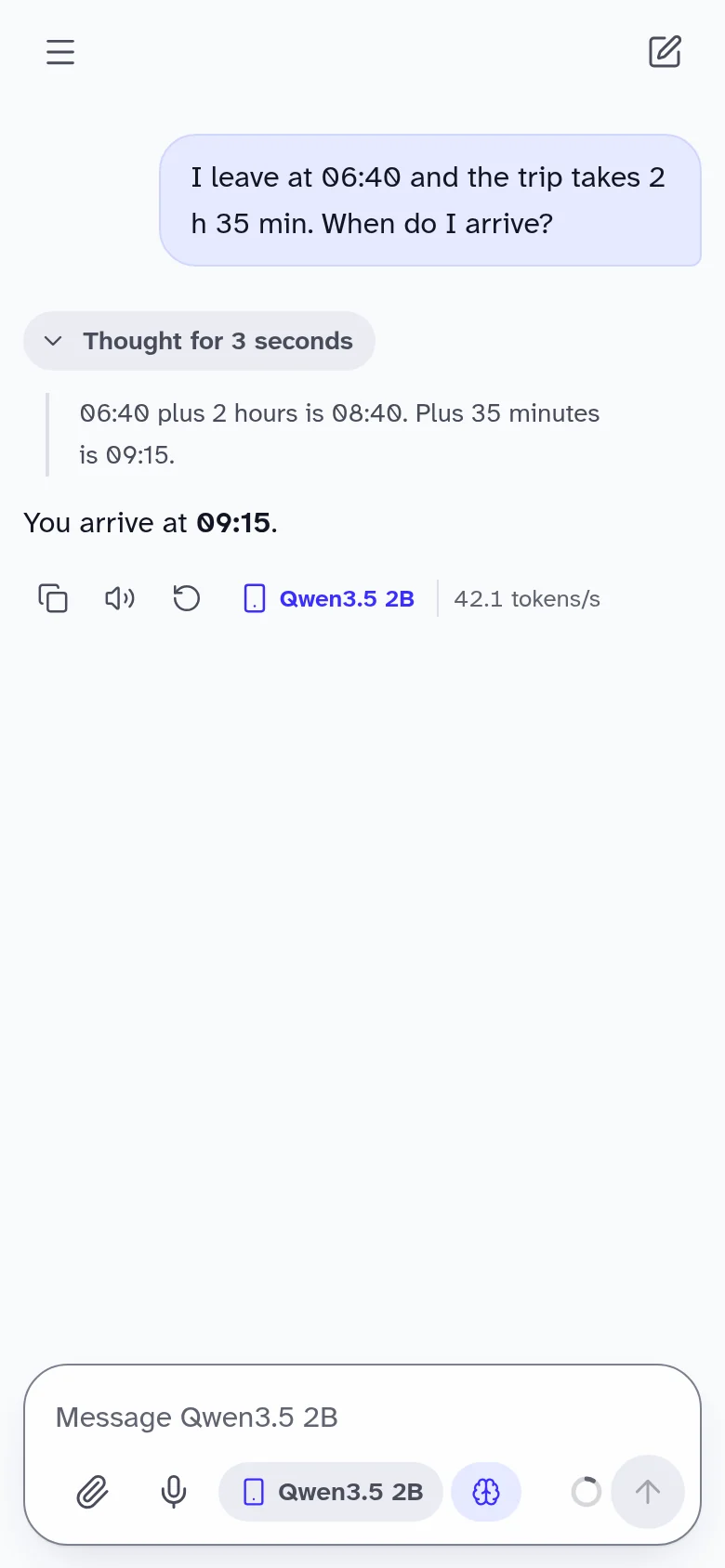
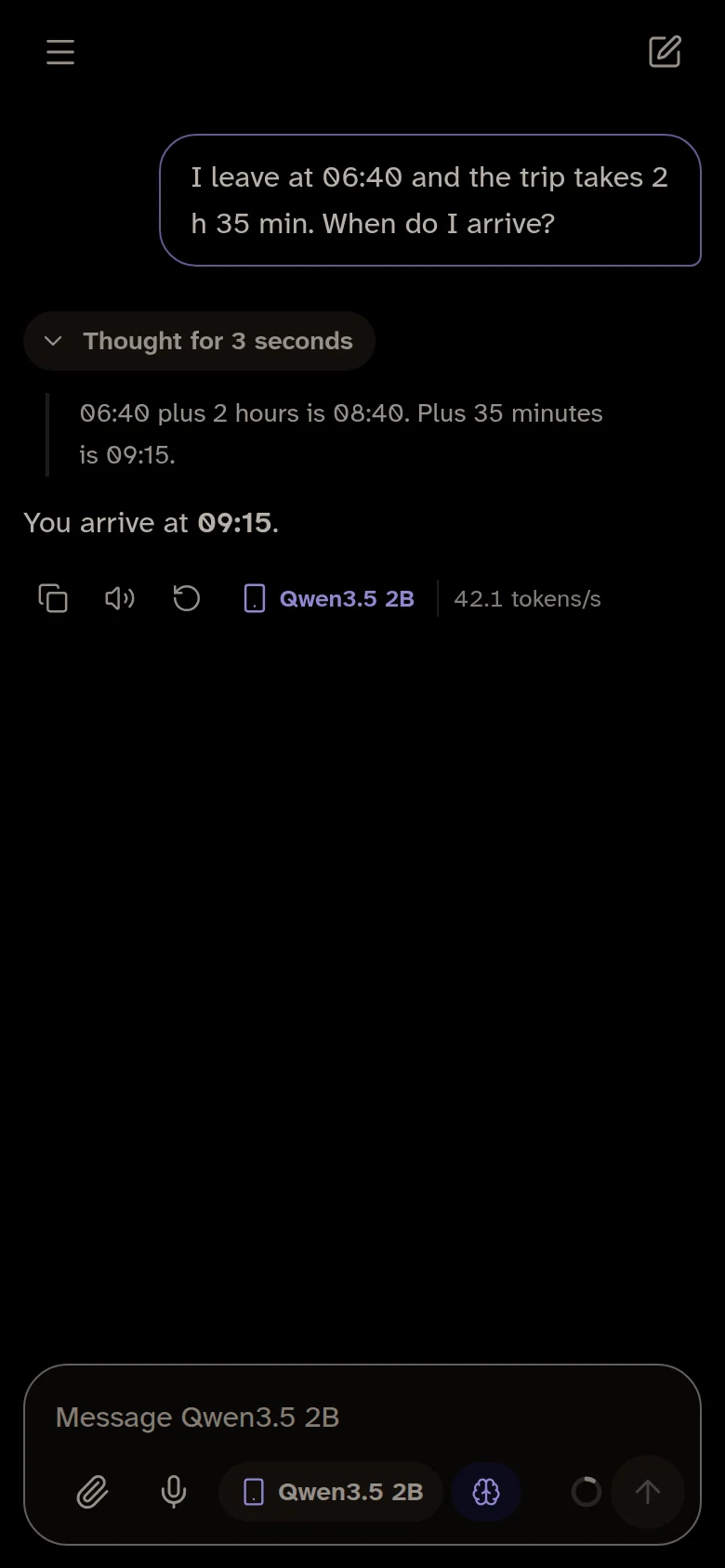
Free, with an optional one-time upgrade. What’s included
Need more power? Only when you ask.
Quo Web and the desktop app also offer a free cloud model, or your own key from OpenRouter, Anthropic, OpenAI and others. Both are clearly marked and used only when you pick them. With your own key, messages go straight to the provider.
Searches when it needs to.
For news, prices or anything recent, models search the web and show the pages they used. Turn it off in Settings; offline models only search if you let them.
Free on your device. Pay only for the cloud.
Everything on your device is free, with no account and no limits. The cloud is optional: one model is free every day, and credits cover the most powerful ones.
Free
$0 On the web and desktop
- Every offline model, no limits
- Chats and memories kept on your device
- 20 free cloud messages a day with GPT-6 Luna
- Your own API keys
Quo Pro
Coming soon$12 a month, or $99 a year (save 31%)
- 1,000 credits each month
- Every cloud model, including Claude Opus 5.5 and GPT-6 Astra
- Quo Sync included: your chats and memories on every device, end-to-end encrypted
About 150 Claude Sonnet 5.5 or 80 Claude Opus 5.5 replies a month.
Credit packs
Coming soonFrom $12 No plan needed
- 1,000 credits for $12
- 2,750 credits for $30
- 6,000 credits for $60
- Use them within 12 months
Just want Sync? $24 a year.
Phone apps
Free Premium is a one-time $9.99
- 3 models, including one that sees photos
- A model built in on Android, ready offline
- Premium adds every model, voice input, read aloud, and unlimited chats and memories
Prices may vary by country.
Quo Pro, credit packs and Quo Sync open soon; offline models and the free cloud model work today. When accounts open, new ones get 25 free credits to try, valid for 90 days. Credits cover what a cloud model costs to run, and the model menu shows the typical cost of a message. Offline models never use credits. Reply counts are estimates with thinking on, and vary with the length of a chat.
Don’t trust us. Read the code.
“Private” should be something you can check. Quo is open source under Apache 2.0: the apps, the server and the website. See exactly what runs on your device, build it yourself, or help make it better.
# run Quo Web on your machine
git clone https://github.com/quo-ai/quo
cd quo/apps/web
npm install
npm run dev
Questions.
Is Quo really free?
Yes. Everything on your device is free: every offline model, with no account and no limits. In the cloud, GPT-6 Luna is free for 20 messages a day. The most powerful models use credits, from Quo Pro ($12 a month or $99 a year, with Quo Sync) or a credit pack. On the phone, Premium is a one-time purchase. No ads. See pricing.
Do my credits work in the desktop app and Code mode?
Yes. Credits belong to your Quo account, so one balance works in Quo Web, the desktop app and Code mode. Sign in with the same email on each. The phone apps don’t use credits: their models run on the phone.
Which browser should I use?
Chrome or Edge on a computer: they let Quo use your graphics card, which is much faster. Firefox and Safari work but are slower. Or get the desktop app.
What do I need to run Quo?
A computer or phone from the last few years. The smallest model (about 530 MB) runs almost anywhere; bigger models want 8 GB of memory. Quo checks your device and suggests one that fits. See models.
Does anything leave my device?
Not with offline models: chats, files and voice are processed and saved on your device, and the only download is the model, once. Cloud models and your own API keys send that chat to the model’s provider, and Quo marks them clearly. With your own key it goes straight to the provider, not through Quo.
Web, desktop or phone: what’s the difference?
They’re the same private assistant. Quo Web needs nothing installed. The desktop app runs models natively on your graphics card, so it’s the fastest and fits the biggest models. Documents and voice work in all of them; photos need a model that reads images, which the desktop and phone apps have. Chats stay on each device.
My computer warns about the desktop app. Is it safe?
The app is built from the open-source code on GitHub by an automated release process. Until our signing certificates are in place, macOS may ask you to confirm it in System Settings › Privacy & Security, and Windows may show “More info › Run anyway”.
How is Quo different from ChatGPT or Claude?
Those run on company servers, so you need an account and a connection, and your chats are stored there. Quo runs on your device, so it works offline and your chats stay yours. Local models are smaller, so for the hardest tasks the big cloud models are still stronger.
Your AI. Your device.
Free, private and open source. Start in your browser in under a minute.